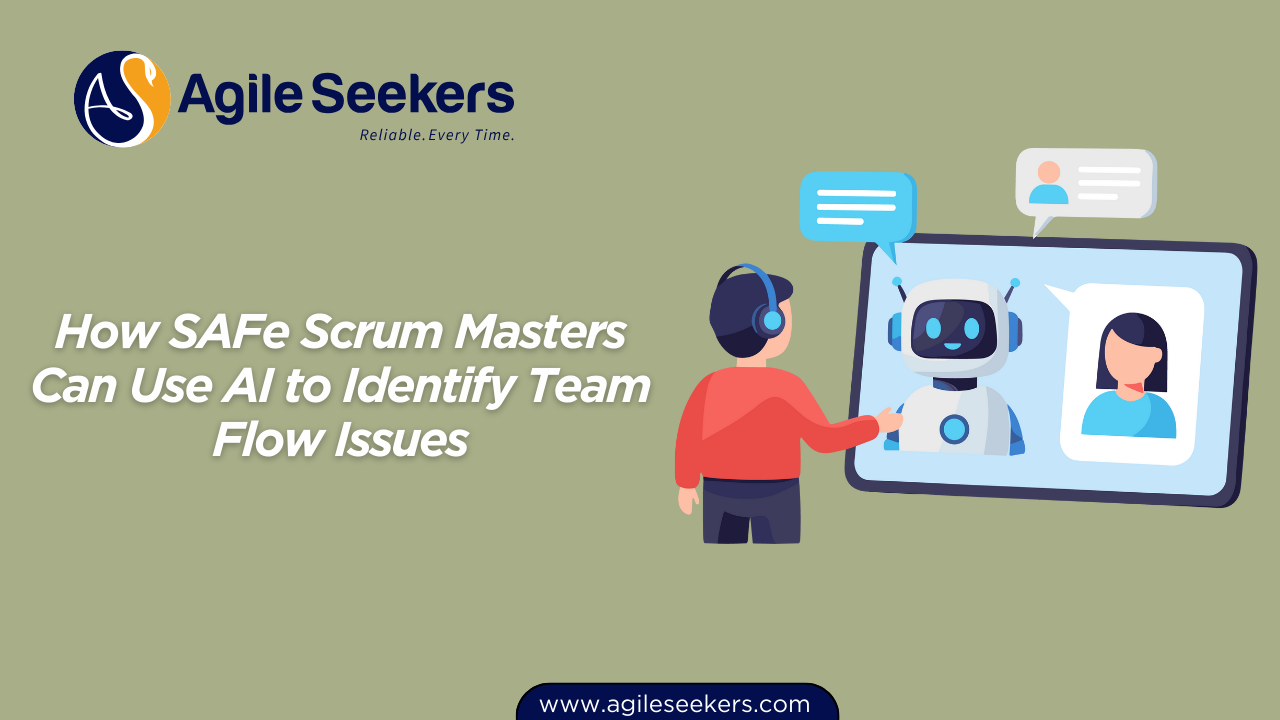
AI can help a Scrum Master become more prepared, more evidence-aware, and more careful with team trust. It should not turn facilitation into prompt output or automate conversations that need human judgment.
The real opportunity is practical: use AI to prepare better questions, review non-sensitive flow signals, structure retrospective themes, improve stakeholder communication, and protect the human judgment that Scrum Masters are paid to bring.
Why this topic matters now
Scrum.org now offers Professional Scrum Master AI Essentials, and Scrum Alliance offers an AI for Scrum Masters microcredential. Those moves show that AI is becoming a visible Scrum Master skill area, not a side topic. The useful question for practitioners is where AI improves the work and where it weakens ownership or trust.
What Scrum Masters should practise
Useful skills include prompt framing, data-safety judgment, facilitation preparation, flow-pattern review, risk questioning, stakeholder message drafting, and careful review of generated outputs. The Scrum Master remains accountable for context, trust, and team ownership.
What Scrum Masters should avoid
Do not paste private team notes into unapproved tools, automate difficult conversations, or create a larger pile of meeting summaries. AI should create space for better facilitation, not replace the facilitator or the team's voice.
Practical Scrum Master workflows
| Scrum Master work | AI support | Human judgment |
|---|---|---|
| Retrospectives | Cluster safe, anonymised themes | Choose the right conversation |
| Sprint planning | Generate risk and dependency questions | Protect the Sprint Goal |
| Flow review | Summarise approved metrics | Ask what the team can influence |
| Stakeholders | Draft clear updates | Decide tone, timing, and truth |
A safe 30-day AI experiment
- Create a safe prompt library for Scrum Master work.
- Define what team data must never enter AI tools.
- Use AI for preparation before one event.
- Review whether the saved time improved facilitation quality.
Start with one low-risk workflow that uses approved, non-sensitive information. Compare the time spent, the quality of preparation, and the quality of the resulting team conversation. Keep the experiment only if it helps people inspect and adapt more effectively.
A useful first experiment might prepare neutral retrospective questions from anonymised themes, draft dependency questions before planning, or translate approved flow metrics into several hypotheses. The output is a starting point for professional judgment, never an instruction to the team.
Guardrails that protect team trust
Agree which tools are approved, what data can be entered, who reviews outputs, and when AI use should be disclosed. Remove names, customer details, commercially sensitive information, performance comments, and raw retrospective notes. When the boundary is unclear, do not enter the data.
Scrum Masters should also watch for false confidence. Generated summaries can sound precise while missing context, minority views, humour, emotion, or the reason behind a metric. Verify important claims against the source and invite the team to correct the interpretation.
How to measure whether AI is helping
Measure outcomes rather than prompt volume. Look for shorter preparation time, clearer questions, stronger participation, faster identification of risks, and more useful follow-through after events. Stop or redesign the workflow if it reduces ownership, creates rework, or makes team members less willing to speak openly.
Related reading
- AI retrospectives without losing trust
- AI for Scrum Masters vs AI for Agile Leaders
- Scrum Master certification path
Build the skill with structure
The Scrum Master Career Accelerator program combines practical Scrum Master development, AI-enabled ways of working, career support, and certification pathways. Use the course page for curriculum, format, and enrolment details.