Here’s the thing. Most flow problems don’t announce themselves loudly. Teams still attend stand-ups. Boards still move. Sprints still end. Yet delivery feels heavy. Commitments slip. Dependencies pop up late. Stress rises quietly.
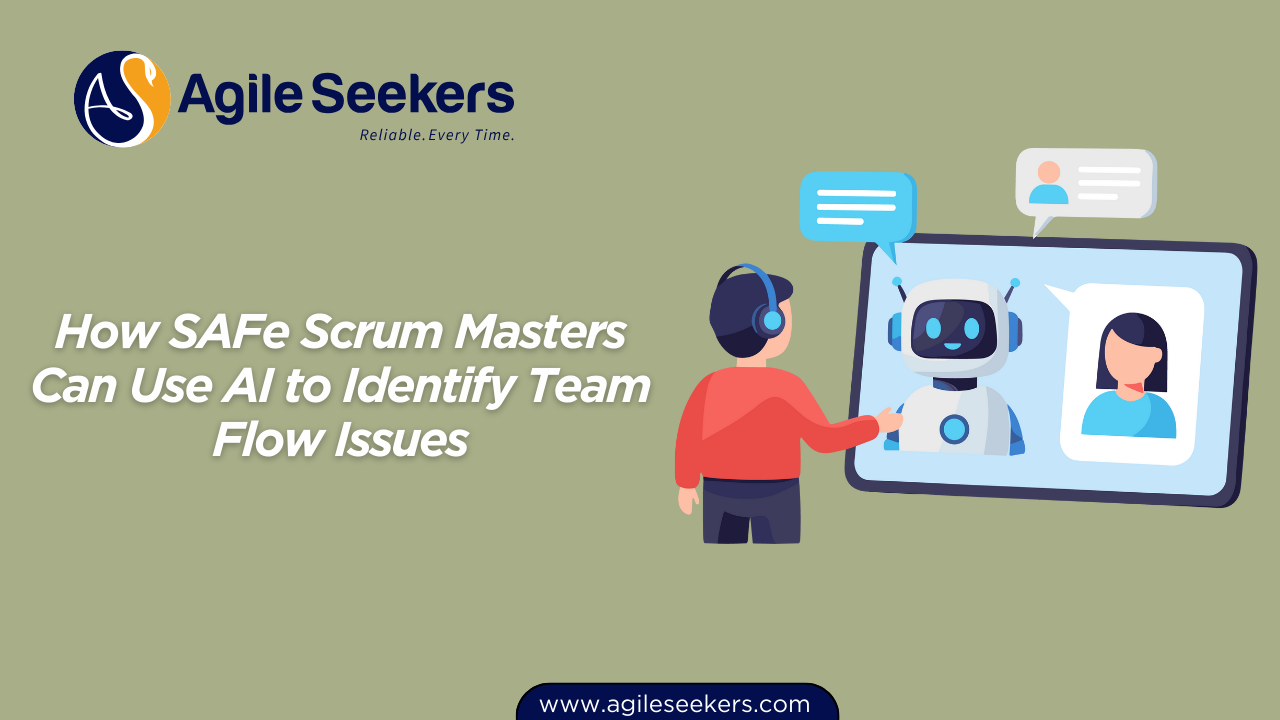
For a SAFe Scrum Master, flow issues sit right at the intersection of predictability, team health, and business outcomes. You already track metrics. You already facilitate conversations. The real shift now is using AI as an assistant to see patterns your eyes and spreadsheets miss.
This article breaks down how SAFe Scrum Masters can use AI to spot team flow issues early, understand why they happen, and intervene with clarity rather than guesswork.
Why Flow Issues Are Hard to See in Scaled Agile Environments
In a single Scrum team, flow problems surface fast. In a SAFe Agile Release Train, they hide in plain sight.
Multiple teams. Shared services. External dependencies. Program-level commitments. Flow degrades not because people stop working, but because work gets trapped in queues, approvals, and handoffs.
Scrum Masters often rely on:
- Velocity trends
- Cumulative flow diagrams
- Sprint burndowns
- Retrospective feedback
All of these help, but they answer “what happened” more than “why it keeps happening.” AI shifts that conversation.
What AI Actually Brings to the Table for Scrum Masters
AI doesn’t replace facilitation. It replaces blind spots.
Modern AI systems can analyze thousands of data points across tools teams already use: work items, cycle times, comments, blocked states, pull requests, test results, and even meeting notes.
What this really means is:
- Patterns appear before humans notice them
- Outliers stand out without manual digging
- Trends become visible across iterations, not just one sprint
For Scrum Masters, this translates into earlier signals and better conversations.
Flow Signals AI Can Detect That Humans Often Miss
Hidden Queues and Waiting Time
Teams rarely log “waiting” as work. Stories sit in review. Features pause for approvals. Defects wait on environments.
AI models track time spent in each workflow state and compare it against historical baselines. When review time quietly doubles or testing stalls sprint after sprint, AI flags it.
This helps Scrum Masters move beyond “we feel slower” to “40 percent of our cycle time sits in review.”
Recurring Blocker Patterns
Blocked items happen. Repeating blockers signal a system issue.
AI can cluster blocker reasons across teams and iterations. It highlights patterns like:
- Environment availability blocking multiple teams
- Dependency delays from the same upstream team
- Approval bottlenecks tied to specific roles
Instead of reacting sprint by sprint, Scrum Masters gain evidence for systemic improvements.
Unstable Work-in-Progress Levels
High WIP kills flow. Everyone knows this. Measuring it consistently across teams is harder.
AI continuously tracks WIP fluctuations and correlates them with delivery outcomes. When increased WIP predicts missed objectives, Scrum Masters get an early warning.
Using AI to Understand Flow Efficiency, Not Just Speed
Speed alone is a misleading metric. Fast movement between states means nothing if most time is spent waiting.
AI-driven flow analysis focuses on:
- Active time versus wait time
- Flow efficiency trends over multiple PIs
- Variability across similar work items
When Scrum Masters see that only 15 percent of cycle time involves active work, coaching conversations change. Teams stop optimizing individual steps and start redesigning the system.
AI and Predictability: Spotting Risks Before Commitments Break
Predictability matters in SAFe. Missed PI Objectives ripple across portfolios.
AI models trained on historical delivery data can forecast completion probabilities for features and stories. They look at:
- Story size volatility
- Dependency density
- Past completion patterns
Scrum Masters use these insights during iteration planning and PI planning to surface risks early, not after the fact.
This approach aligns closely with practices taught in SAFe Scrum Master Certification, where flow, predictability, and relentless improvement form the core responsibilities of the role.
Detecting Team Stress and Overload Through AI Signals
Flow issues often show up first in people, not metrics.
AI can analyze work patterns that suggest overload:
- Late-night commits becoming frequent
- Increased context switching
- Rising defect rework after “done”
Scrum Masters don’t use this data to police teams. They use it to protect them.
When AI shows sustained overload, it strengthens the case for WIP limits, capacity adjustments, or dependency renegotiation.
AI-Driven Insights in Retrospectives
Retrospectives often rely on memory and emotion. AI brings evidence.
Instead of asking “what went wrong,” Scrum Masters can present:
- Flow efficiency trends across sprints
- Top recurring blockers
- Work item aging patterns
This grounds conversations in facts while still leaving room for human insight. Teams stop debating opinions and start solving problems.
Scaling Flow Insights Beyond the Team Level
Flow rarely breaks at a single team boundary in SAFe. It breaks between teams.
AI helps Scrum Masters collaborate with:
- Release Train Engineers
- Product Owners and Product Managers
- System Architects
By aggregating flow data across the ART, AI highlights cross-team bottlenecks and dependency clusters.
This supports better conversations at the program level, a capability emphasized in SAFe Release Train Engineer Certification.
Supporting Product Flow with AI Insights
Scrum Masters don’t own the backlog, but they influence how work flows through it.
AI can flag:
- Stories consistently underestimated
- Features with excessive dependency touchpoints
- Backlog items aging without progress
These insights help Product Owners refine backlog quality and sequencing, reinforcing collaboration taught in SAFe Product Owner Product Manager Certification.
Advanced Flow Coaching with AI
For experienced Scrum Masters, AI enables deeper system-level coaching.
Patterns across PIs reveal:
- Structural bottlenecks
- Policy constraints limiting flow
- Team topology mismatches
This level of insight supports advanced facilitation and change leadership, aligned with skills developed in SAFe Advanced Scrum Master Certification.
How AI Supports Lean-Agile Leadership Conversations
Flow problems often require leadership decisions.
AI-generated insights help Scrum Masters speak the language leaders understand: evidence, trends, and impact.
Instead of saying “teams are overloaded,” you show how overload reduces predictability and delays value. This connects naturally with leadership perspectives taught in SAFe agile certification.
Practical Guidelines for Scrum Masters Using AI
- Use AI insights as conversation starters, not verdicts
- Focus on trends, not individual performance
- Combine AI data with team context
- Share insights transparently with teams
AI works best when paired with trust, psychological safety, and strong facilitation.
External Perspectives on Flow and Metrics
Flow-based thinking aligns with broader industry research. For a deeper look into flow metrics and efficiency, resources like cumulative flow analysis and cycle time studies published on leading agile and lean communities provide valuable context.
These perspectives reinforce why Scrum Masters must move beyond velocity and focus on flow health.
Final Thoughts
AI doesn’t change the role of the SAFe Scrum Master. It sharpens it.
By revealing hidden patterns, predicting risks, and grounding conversations in evidence, AI helps Scrum Masters shift from reactive problem-solving to proactive system improvement.
The real value lies not in the tools, but in how you use the insights to serve teams, protect flow, and deliver value consistently across the ART.
When used thoughtfully, AI becomes a quiet partner in your mission to make work flow better.
Also read - Guardrails for POPMs When Using AI for Product Decisions
Also see - Using AI to Detect Sprint Overcommitment Patterns