Every product team has them, features that looked promising, got built with effort, and quietly failed after release. They didn’t drive adoption. They didn’t move metrics. Sometimes, they barely got noticed.
Most teams move on too quickly. They fix the next bug, plan the next sprint, and treat failure as a one-off mistake. That’s where the real loss happens, not in the feature itself, but in the missed learning.
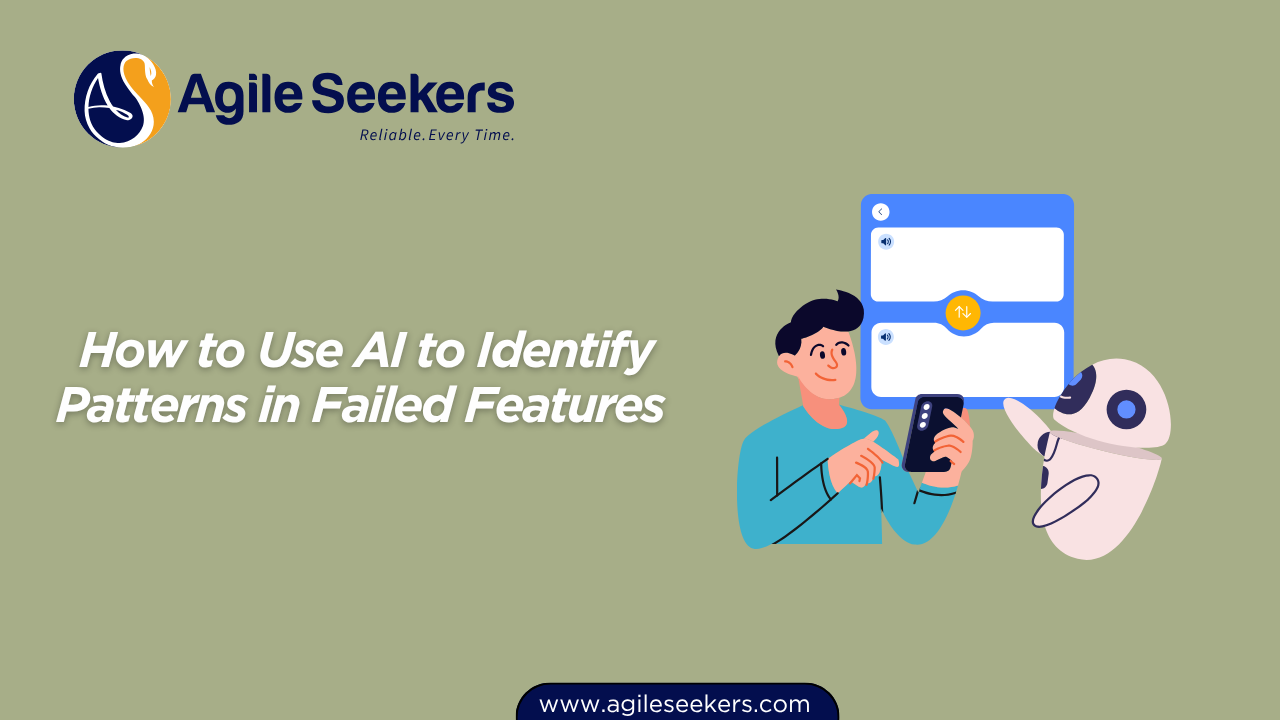
AI changes that equation. It helps you step back, analyze failures at scale, and uncover patterns that aren’t obvious in retrospectives or dashboards. Instead of guessing why features fail, you start seeing consistent signals across your product decisions.
Let’s break this down in a practical way, how AI helps, what data you need, and how to turn those insights into better decisions.
Why Features Fail (And Why Teams Miss the Pattern)
Before getting into AI, it’s worth understanding the problem clearly.
Features fail for a few predictable reasons:
- No real user problem behind the idea
- Misaligned priorities from stakeholders
- Poor timing or market readiness
- Weak onboarding or unclear value
- Hidden dependencies slowing delivery
Here’s the issue: teams usually analyze failures individually. One sprint at a time. One feature at a time.
That approach hides patterns.
What this really means is simple, you don’t see repetition. You don’t see that 60% of failed features had unclear problem statements. Or that most of them had low user validation before development.
This is exactly where AI steps in.
What AI Actually Does in This Context
AI doesn’t magically fix your product decisions. It helps you make sense of large, messy data across multiple features.
Think of it as a pattern detector that works across:
- User behavior data
- Feature usage analytics
- Feedback and reviews
- Sprint and delivery data
- Support tickets and complaints
Instead of manually connecting dots, AI surfaces trends like:
- Features with low adoption often had high dependency complexity
- Features with unclear onboarding drop off within first 3 interactions
- Features built without early user validation show poor retention
These insights don’t come from a single data source. They emerge when multiple signals get combined, and that’s where AI becomes useful.
The Data You Need (Without Overcomplicating It)
You don’t need a massive data warehouse to get started. Most teams already have the data, they just don’t connect it.
Focus on these five areas:
1. Product Analytics
Track usage, drop-offs, session time, and engagement.
Tools like Mixpanel or Amplitude already capture this data.
2. User Feedback
Customer reviews, NPS responses, survey comments, support chats.
3. Delivery Metrics
Cycle time, lead time, dependency delays, rework frequency.
4. Feature Metadata
Why the feature was built, who requested it, expected outcome.
5. Business Outcomes
Revenue impact, retention changes, conversion shifts.
Once these datasets exist, AI can start connecting them.
How AI Identifies Patterns in Failed Features
Now let’s get practical. Here’s how AI actually works in this context.
1. Clustering Similar Failures
AI groups features based on similarities.
For example:
- Low adoption + high development effort
- High initial usage + rapid drop-off
- Positive feedback + low actual usage
These clusters reveal patterns that are hard to spot manually.
2. Sentiment Analysis on Feedback
AI scans user feedback and categorizes it:
- Confusion
- Frustration
- Indifference
Instead of reading hundreds of comments, you get a clear picture of user sentiment trends.
For example, if multiple failed features show “confusion,” the issue isn’t the idea, it’s usability or clarity.
3. Correlation Analysis
AI connects feature outcomes with contributing factors.
You start seeing relationships like:
- Features with more than 3 dependencies fail more often
- Features delivered under tight deadlines show higher defect rates
- Features without user testing show lower retention
This moves your team from opinions to evidence.
4. Predictive Signals
Once patterns are clear, AI can flag risks early.
Before building a feature, you might see warnings like:
- “Similar past features had low adoption”
- “High dependency risk detected”
- “Insufficient validation signals”
That’s where real value shows up, not just analyzing failure, but preventing it.
Turning Insights Into Better Product Decisions
Insights are useful only if they change behavior.
Here’s how to apply what AI reveals.
1. Redefine Feature Validation
If AI shows that unvalidated ideas fail often, tighten your validation process.
Turn requests into testable hypotheses before development. Validate with real users early.
This aligns strongly with product thinking taught in SAFe Product Owner and Manager Certification, where teams focus on value, not just delivery.
2. Reduce Dependency Complexity
If patterns show dependency-heavy features fail more, simplify design.
Break features into smaller, independent increments.
Teams trained through SAFe Release Train Engineer certification training often handle cross-team dependencies better because they focus on alignment and flow.
3. Improve Feature Framing
Many features fail because users don’t understand them.
AI-driven feedback analysis often highlights confusion.
Fix this by:
- Improving onboarding
- Clarifying value proposition
- Simplifying UI interactions
4. Align Teams Around Outcomes
If patterns show features don’t impact business metrics, shift focus.
Move from output to outcomes.
Teams benefit from this mindset shift through SAFe agile certification, where alignment between strategy and execution becomes clearer.
5. Strengthen Sprint-Level Decisions
AI insights should influence sprint planning.
If similar features failed before, challenge assumptions early.
This is where strong facilitation matters, a core focus in SAFe Scrum Master certification.
For more advanced coaching and facilitation techniques, teams can go deeper with SAFe Advanced Scrum Master certification training.
Common Mistakes Teams Make With AI
AI is powerful, but teams often misuse it.
1. Treating AI as a Decision Maker
AI provides insights, not decisions. Use it to guide thinking, not replace it.
2. Ignoring Data Quality
Bad data leads to misleading patterns. Clean, consistent data matters more than fancy models.
3. Overcomplicating the Setup
You don’t need a complex AI system. Start small. Focus on real problems.
4. Not Acting on Insights
This happens more often than expected. Teams generate insights but don’t change behavior.
If nothing changes after analysis, the effort is wasted.
A Simple Workflow You Can Start With
You don’t need a full AI transformation to get value.
Start with this simple loop:
- Collect data from analytics, feedback, and delivery metrics
- Use AI tools to cluster and analyze patterns
- Identify 2–3 recurring failure themes
- Adjust your validation and planning process
- Track results and refine
Repeat this cycle consistently. That’s where compounding learning happens.
The Bigger Shift: From Blame to Learning
Here’s the real change AI enables.
Teams stop asking, “Who made the wrong call?”
They start asking, “What pattern did we miss?”
This shift removes blame and builds learning into the system.
Failures stop being isolated events. They become data points.
And over time, your product decisions improve, not because you avoid mistakes, but because you learn faster from them.
Final Thoughts
Failed features are not the problem. Ignored patterns are.
AI gives you a way to see those patterns clearly.
It connects data across product, delivery, and user experience. It highlights what works and what doesn’t. And most importantly, it helps you act earlier, before another feature fails the same way.
If you use it right, you won’t just analyze the past. You’ll improve how your team builds the future.
Also read - How to Encourage Accountability Without Pressure
Also see - AI for Detecting Misalignment Between Teams in an ART