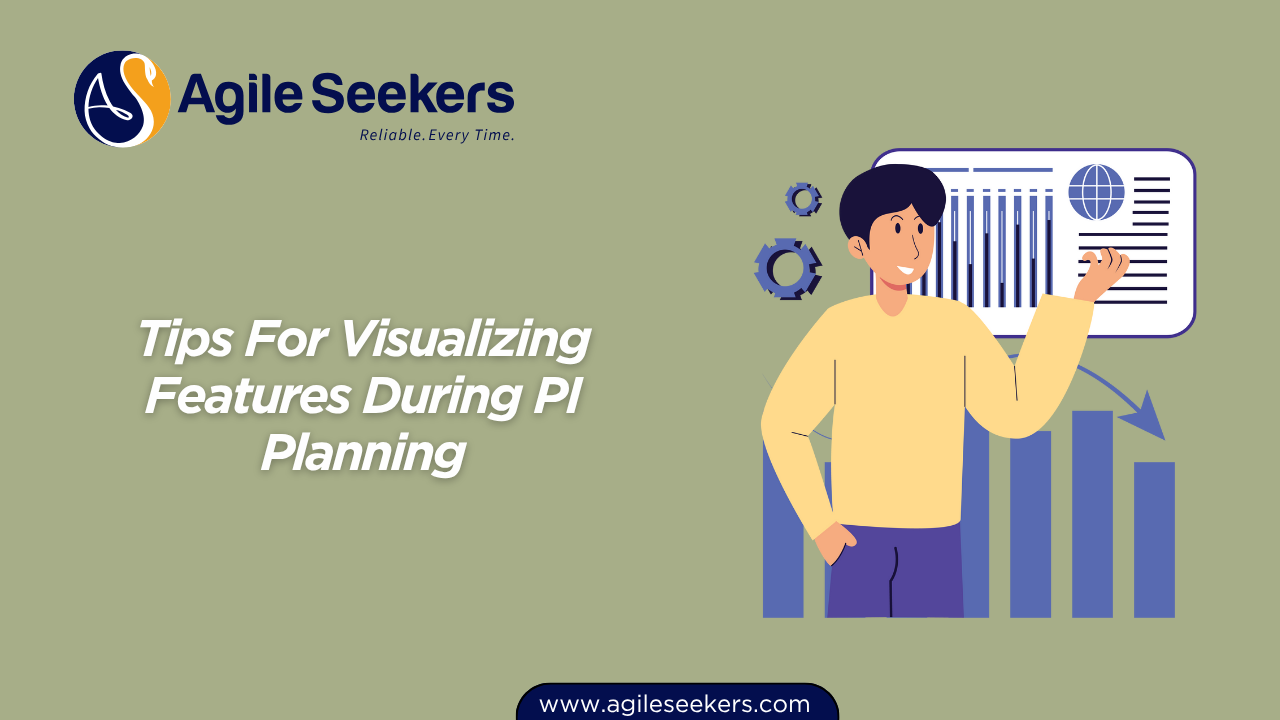
PI Planning is all about creating shared understanding and alignment for teams working on a single Agile Release Train (ART). But if your features aren’t visible, really visible, planning quickly turns into confusion, missed dependencies, and wasted energy.
Let’s break down how to make feature visualization a genuine asset during PI Planning.
1. Start With a Visual Map, Not Just a List
Don’t just throw a feature list on a whiteboard or screen. Turn features into visual objects: cards, sticky notes, digital tiles, whatever matches your setup.
-
Physical PI Planning: Use colored sticky notes for different types of features (business, enabler, etc.) and arrange them on a large board divided by iterations.
-
Remote PI Planning: Tools like Miro or Mural let you drag feature cards around just like you would on a physical board.
-
Why this works: People process visuals faster than lists. When features are visible, teams can spot conflicts, dependencies, and priorities at a glance.
Want to really understand the dynamics of PI Planning? Check the official PI Planning overview.
2. Clarify Each Feature With Icons, Tags, and Brief Descriptions
Feature titles aren’t enough. Give each card a quick, readable description and use simple icons or tags for clarity:
-
Example:
-
🔧 = Enabler
-
💡 = New business feature
-
🔗 = Has a dependency
-
⏰ = Time-critical
-
The focus is not adding fluff, it’s about instant clarity. Now, when a team member glances at the board, they know what each card means without digging through pages of detail.
Looking to deepen your expertise in managing features and stories? Explore the SAFe Product Owner/Product Manager (POPM) Certification.
3. Use Color to Signal Priority, Status, or Ownership
Colors jump out. Use them to signal:
-
Priority: Red = must-have, Yellow = should-have, Green = could-have
-
Status: Grey = not started, Blue = in progress, Purple = blocked
-
Ownership: Different teams use different shades, or border colors
Caution: Don’t overdo it. Stick to one color-coding system per board to avoid confusion.
4. Draw Connections Between Features and Dependencies
Dependencies kill momentum when they’re hidden. Draw lines, arrows, or even digital connectors between features that depend on each other.
-
On physical boards, yarn or marker lines work.
-
Digital tools have connectors you can drag and drop.
This step is non-negotiable. The moment people see the web of dependencies, cross-team conversations start happening naturally.
Want to master dependency management and team collaboration? Check out the SAFe agile training.
5. Integrate Capacity Planning Into the Visuals
It’s easy to dream big during PI Planning, but reality bites when you hit capacity constraints. Add a visual layer to show team capacity for each iteration:
-
Put simple “capacity bars” under each iteration column
-
As features get added, fill the bar
-
When it’s full, it’s full, no arguments
This keeps plans grounded and lets everyone see overload before it becomes a problem.
6. Make Feature Breakdown Visible: Split Epics, Show Stories
If you’re dealing with large features (Epics), show how they break down into smaller stories or tasks.
-
Nested cards, sub-lists, or linked digital objects all work
-
This helps teams see exactly what they’re picking up, and where hand-offs will occur
Learn how advanced Scrum Masters help teams break work into manageable pieces in the SAFe Advanced Scrum Master Certification Training.
7. Review and Adapt Visuals in Real Time
Static boards get stale. Update visuals on the fly as priorities shift, blockers emerge, or teams commit to new work.
Don’t be afraid to move, merge, or even delete cards right in the planning session.
-
This creates a living plan, not a wall decoration
-
Helps reinforce that change is normal and expected
8. Use Shared Digital Tools for Distributed Teams
If your team is hybrid or remote, use digital tools everyone can access and edit, not just “view only.”
Options include:
-
Jira Align (more structured, less free-form)
Make sure everyone has edit rights before the session starts, and test the setup. Nothing slows a session down like technical hiccups.
Facilitation skills are crucial here—learn more in the SAFe Scrum Master Certification.
9. Keep Stakeholders In the Loop With Easy-To-Read Visuals
Executives and business owners won’t dig into the weeds. Summarize features on a high-level board or dashboard that focuses on:
-
What’s being delivered this PI
-
Any major risks or dependencies
-
Key milestones
This keeps leadership aligned without bogging them down in detail.
The SAFe Release Train Engineer Certification Training covers how to maintain this high-level visibility across the ART.
10. Review What’s Working and Adapt Your Approach
After every PI, ask the team:
-
What made features easy to understand?
-
What confused people?
-
Did we miss any blockers because they weren’t visible?
Evolve your boards and tools. Agile is about learning, not locking in a process forever.
Pulling It All Together
The main point here: Feature visualization isn’t about pretty boards or slick tools. It’s about making work, risk, and ownership obvious so teams can align fast and deliver real value.
-
Visuals create transparency
-
Transparency sparks the right conversations
-
The right conversations drive delivery
So, put the time into building a strong visual plan, and you’ll get a smoother, more productive PI Planning session every time.
Also read - Managing Architectural Runway In PI Planning Prep
Also see - Overcoming Common PI Planning Anti Patterns With Discovery Mindset