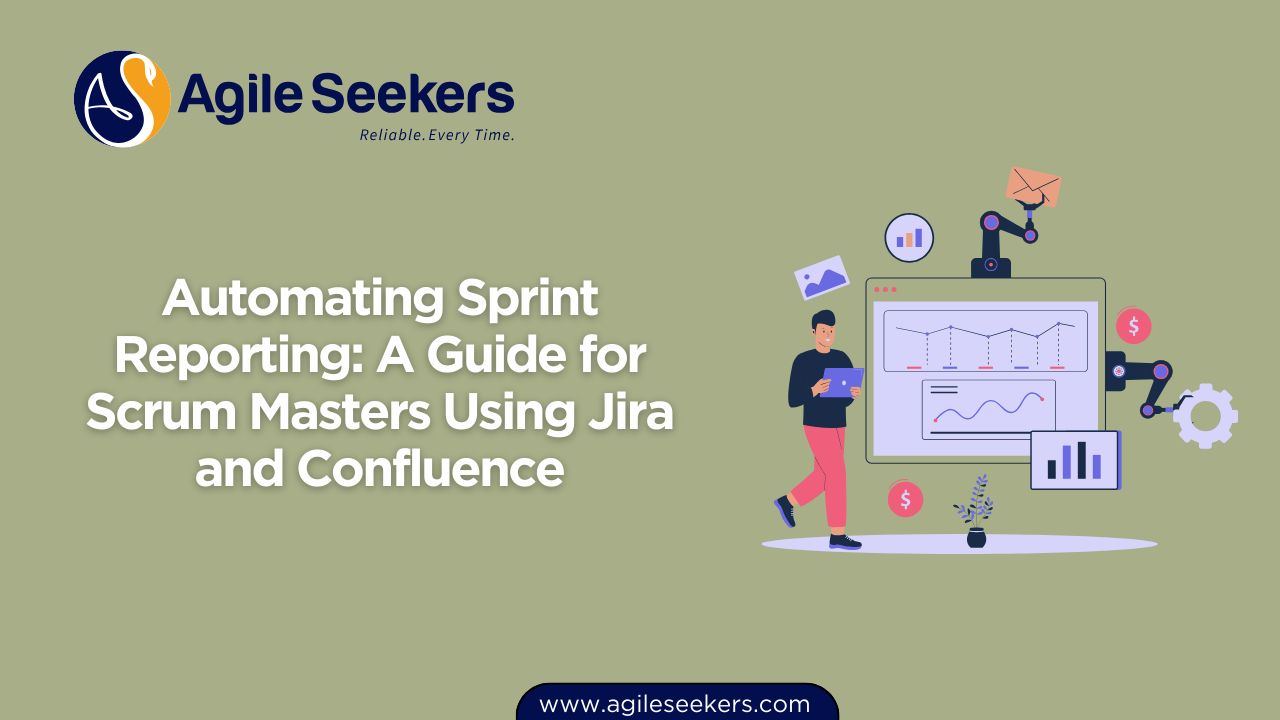
Sprint reporting is more than a routine summary, it's a key part of continuous improvement and transparency in Agile teams. Scrum Masters often find themselves juggling between gathering data, formatting it, and presenting insights. Manual reporting not only takes time but also increases the risk of inconsistencies and missed trends. This is where Jira and Confluence become powerful tools to automate the process and bring consistency to your sprint reporting.
This guide walks you through how Scrum Masters can automate sprint reports using Jira and Confluence, helping teams stay aligned, informed, and focused on outcomes.
Why Automate Sprint Reporting?
Automation streamlines routine tasks and lets Scrum Masters focus on coaching and removing impediments. Here’s why it matters:
-
Saves time on repetitive reporting tasks
-
Reduces errors caused by manual data entry
-
Ensures consistency in metrics and structure
-
Improves visibility for stakeholders
-
Supports data-driven retrospectives
By using tools like Jira and Confluence, Scrum Masters can automate most of the sprint reporting cycle, from data capture to sharing practical insights.
Key Metrics to Include in Sprint Reports
Before setting up automation, define what information your report should include. Common metrics and elements are:
| Metric / Section | Purpose |
|---|---|
| Sprint Goals | To evaluate goal completion and alignment with business priorities |
| Committed vs Completed Story Points | Tracks predictability and team throughput |
| Burndown Chart | Visualizes progress and scope changes |
| Velocity Trend | Helps forecast future sprint capacity |
| Blockers or Impediments | Highlights recurring issues affecting delivery |
| Defects Logged & Resolved | Ensures quality metrics are visible |
| Team Retrospective Summary | Captures key takeaways and action items |
Step-by-Step Guide to Automating Sprint Reports in Jira and Confluence
Let’s break down the setup process into manageable steps.
Step 1: Use Jira Dashboards to Collect Metrics
Jira Software allows you to create custom dashboards using gadgets. These dashboards can act as the data foundation for your reports.
Key Gadgets to Add:
-
Sprint Burndown Chart
Use the built-in gadget to display sprint progress. -
Filter Results (JQL)
Configure filters to show committed vs. completed stories. -
Two-Dimensional Filter Statistics
Use it to report issue types by status or assignee. -
Created vs. Resolved Chart
Track scope creep and bug fixing trends.
Create a dashboard per team or board, and save it under a recognizable name like “Team Alpha – Sprint Dashboard.”
Pro Tip: Jira filters (using JQL) let you pull exactly what you want, like:
project = "ABC" AND sprint in openSprints() AND type = Story
Step 2: Embed Jira Reports into Confluence
Confluence smoothly integrates with Jira, allowing you to embed live data into your sprint report pages.
-
Create a Confluence Template
Build a reusable page template for sprint reports. Add headers for:-
Sprint Overview
-
Goal Status
-
Metrics Dashboard
-
Retrospective Notes
-
-
Use Jira Macros in Confluence
Inside each section, insert Jira macros:-
Jira Chartfor burndown -
Jira Issuesfor story point summaries -
Jira Filterfor blockers or bug lists
-
-
Auto-link to Sprint
You can use variables or manually update sprint names in the macros. This avoids duplicating filters every sprint. -
Publish & Share Automatically
Set Confluence to restrict or allow view access. Share with stakeholders using scheduled emails or team mentions.
Step 3: Automate Page Creation with Confluence Templates
Use Confluence Blueprints and Template Variables to automatically create a new report page at the start or end of every sprint.
Structure your template like this:
## Sprint ${Sprint Number}: ${Start Date} – ${End Date}

### Sprint Goals
- Goal 1
- Goal 2

### Progress Summary
[Jira Filter macro: committed vs completed]

### Burndown Chart
[Jira Chart macro: burndown]

### Blockers
[Jira Filter macro: Status = Blocked]

### Retrospective Notes
- What went well
- What didn’t
- Improvement actions
This format standardizes reports across teams and saves time every sprint.
Advanced Automation with Jira Automation Rules
Jira's automation rules can be configured to trigger report creation or email stakeholders when a sprint ends.
Examples:
-
Trigger: Sprint completed
-
Action: Send an email with a link to the new Confluence report
-
Action: Update a Confluence page with new sprint metrics
This level of automation is useful for large organizations or scaled teams working across multiple time zones.
Proven methods for Scrum Masters
-
Review Data Before Sharing
Automation doesn't remove the need for review. Verify that metrics reflect the sprint narrative. -
Customize Reports for Audience
Product Owners care about value delivery. Developers may focus on blockers and quality. Adjust views accordingly. -
Capture Qualitative Feedback Too
Numbers tell part of the story. Always leave space for context, wins, and struggles. -
Use Reports in Retrospectives
A good sprint report is not just for management, it should also fuel your team’s continuous improvement.
Tools That Enhance Jira + Confluence Automation
Consider integrating these tools to take your reporting to the next level:
| Tool | Purpose |
|---|---|
| Easy Agile Reports | Enhanced story mapping and sprint reporting views |
| ScriptRunner for Jira | Create scripted fields and advanced JQL logic |
| Automation for Jira | Build complex triggers and Confluence integration workflows |
| Tableau / Power BI | Pull Jira data via APIs for advanced dashboards |
| Google Sheets + Jira Sync | For teams preferring spreadsheet-based visualizations |
Final Thoughts
Sprint reporting doesn’t have to be a burden. When you use the power of Jira and Confluence together, much of the manual work disappears, freeing up the Scrum Master to focus on what really matters: team health, flow, and delivering value.
If you're working toward becoming a Certified Scrum Master, mastering these tools will give you a strong edge. Our CSM certification training covers Agile tools, real-world practices, and leadership techniques.
Explore more about CSM certification and how our CSM training prepares you to handle team delivery, metrics, and automation like a pro.
Also Read - Coaching Agile Teams Through Tuckman’s Stages of Team Development
Also See - Agile Coaching Techniques Every Scrum Master Should Learn